
Set up venue payments
Venue payouts live on the venue editor, in the Payments section. Open Venues, choose Edit, and scroll to Payments.
Vendors are paid to their own Stripe accounts unless they turn on venue payment. Set up the venue account when some vendors should be paid here.
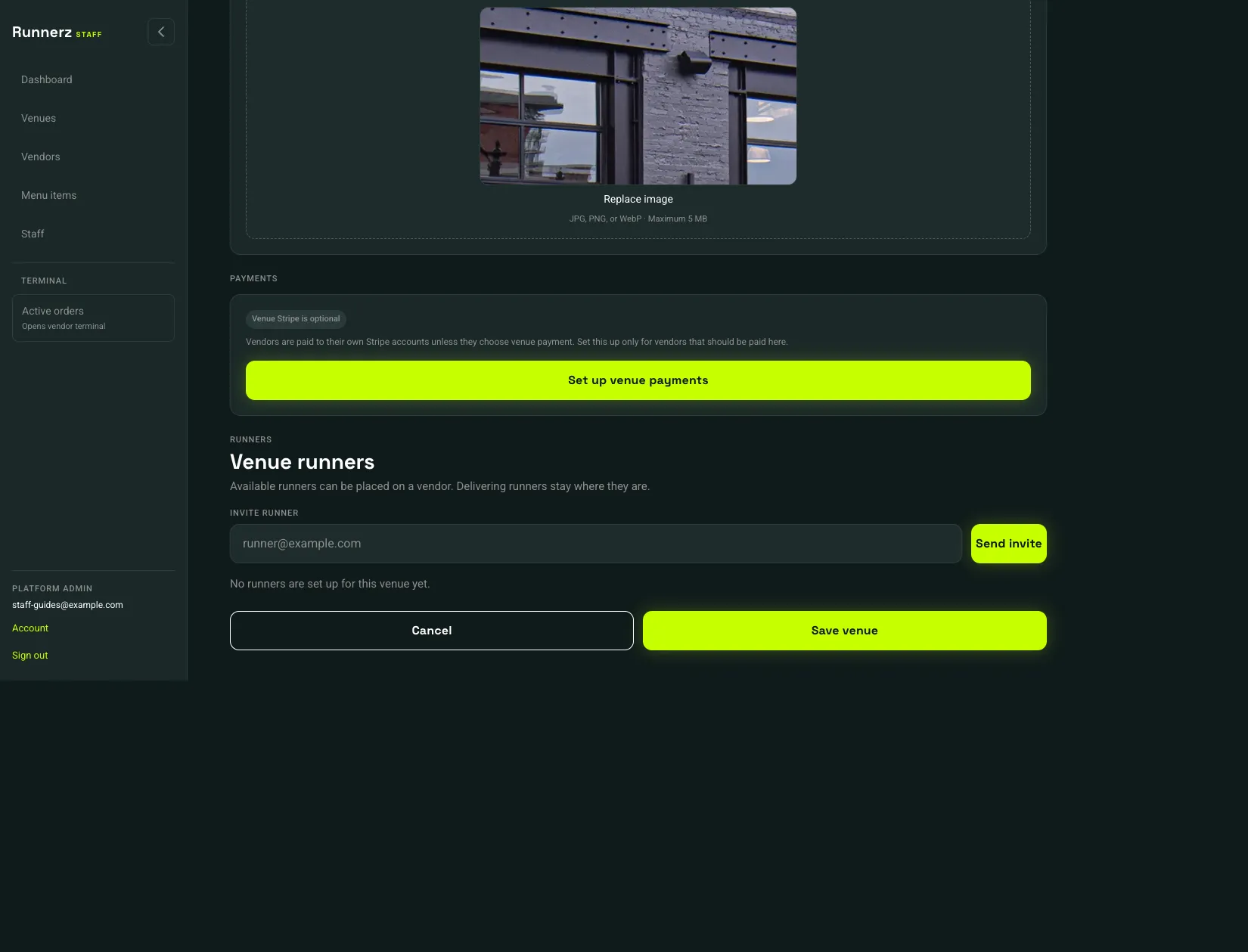 Set up venue payments: 1
- Set up venue payments
- Choose Set up venue payments. If Stripe already started, the button is Continue setup.
- Finish Stripe’s form. Runnerz sends you back to this venue when Stripe is done.
- Wait until the status reads Ready for venue payouts.
Other statuses:
- Venue Stripe is optional — no venue account yet. Vendors can still use their own Stripe accounts.
- Stripe setup incomplete — Stripe still needs information. Use Continue setup.
- Stripe is reviewing details — Stripe is checking what you already sent. The status updates on its own.
Checkout stays blocked for a vendor on venue payment until this account is ready. Stripe’s own pages ask for the business and bank details. Those screens are Stripe’s, not Runnerz.