
Invite staff
- Open Staff.
- Under Send an invitation, enter the Email.
- Choose an Access level.
- Choose the Venue or Vendor.
- Choose Send invitation.
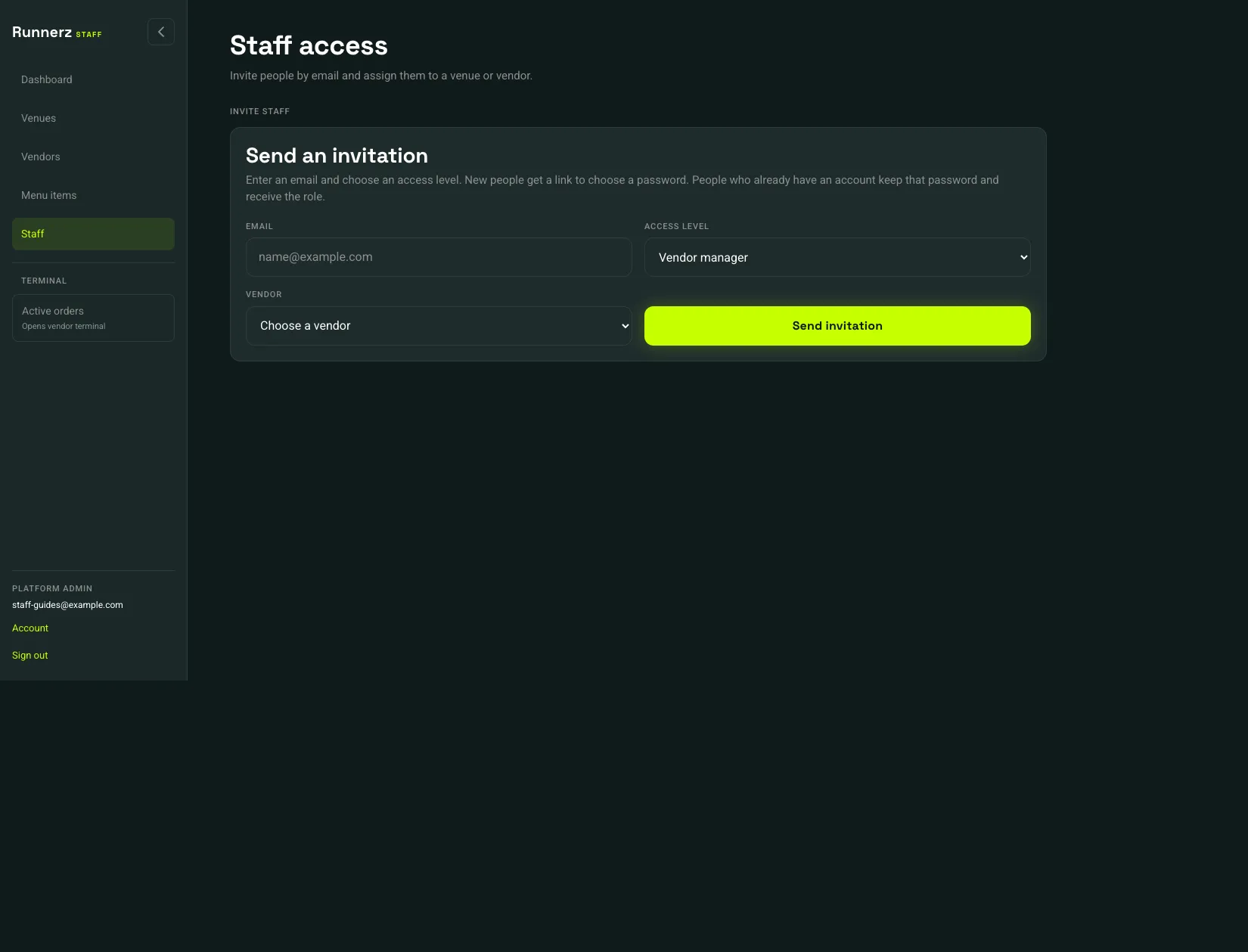 Access level: 1Send invitation: 2
- Access level
- Send invitation
| Access level | They can |
|---|---|
| Vendor manager | Edit that vendor, its menu, and its payments, and use the terminal |
| Vendor operator | Use the terminal for that vendor |
| Venue manager | Manage that venue’s vendors, menu, payments, and runners, and use the terminal |
| Venue runner | Deliver runs for that venue |
New people get an email link to choose a password. People who already have an account keep that password and receive the role.
The Team list is under the form. Revoke opens Revoke staff access? Confirm with Revoke access. That removes the staff role. Their customer account stays.