
Accept an invitation
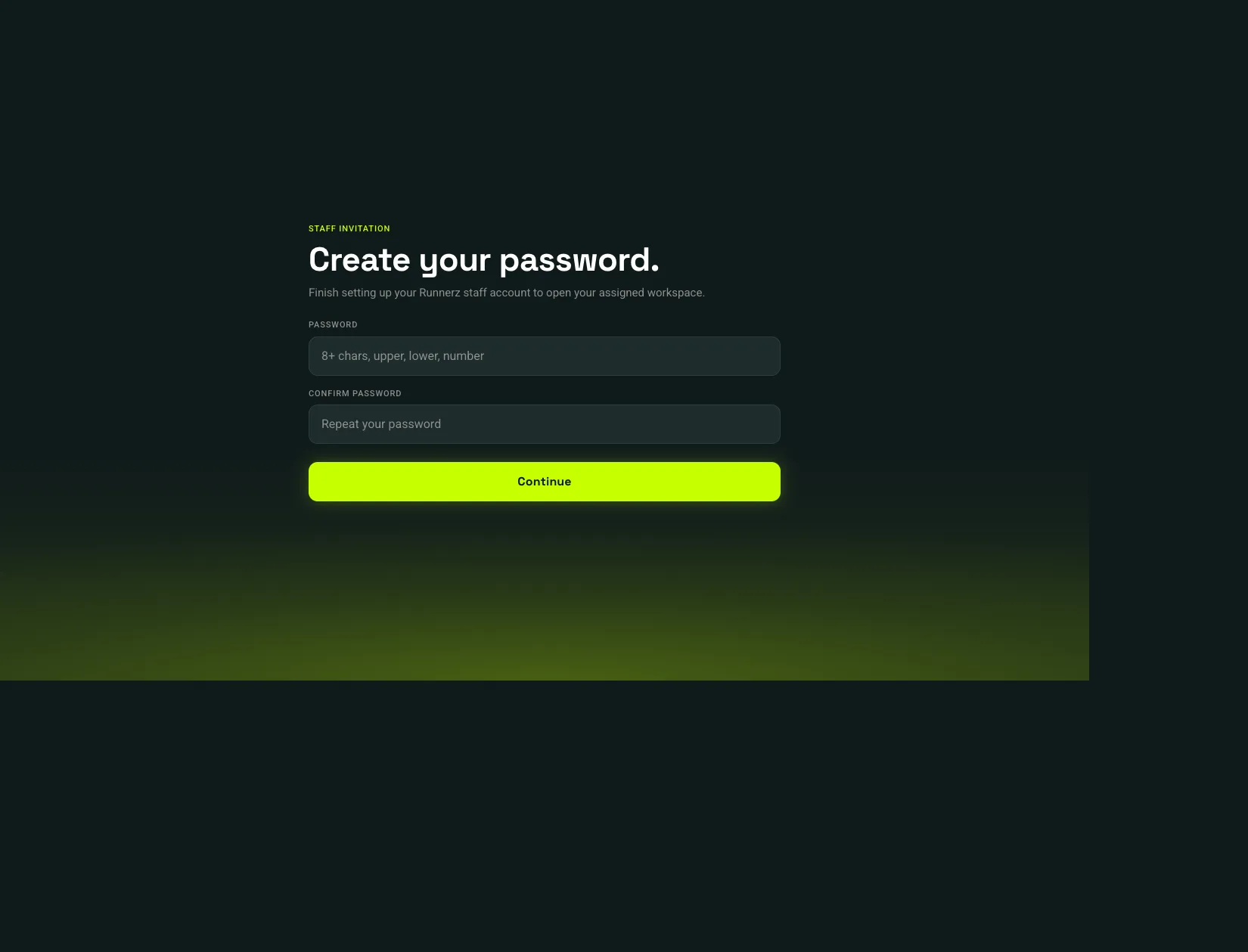
A manager sends the invitation to your work email. Open the link in that message. The page title is Create your password.
- Enter a Password and the same value in Confirm password.
- Choose Continue.
 Continue: 1
- Continue
Use at least eight characters with uppercase, lowercase, and a number. After the password is saved, sign in at staff.runnerz.co. If you already had a Runnerz account, you keep that password and the new role is added to it.
An expired link returns you to sign-in with a notice. Ask a manager to send a new invitation.