Refund an order
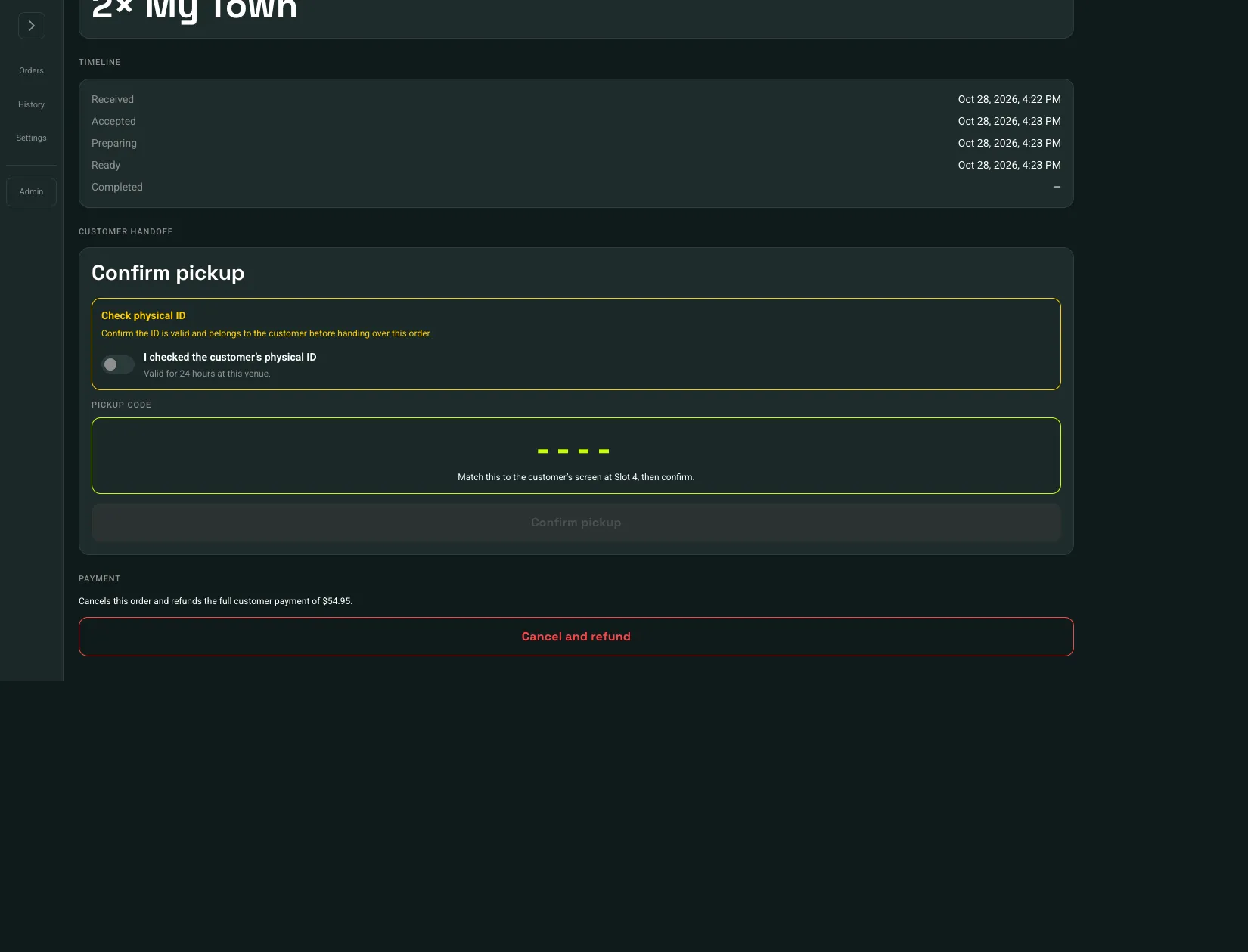
Refunds are on the ticket in the terminal, under Payment. Open the ticket with Details. History does not refund.
 Cancel and refund: 1
- Cancel and refund
While the ticket is still in progress, the button is Cancel and refund. On a completed pickup that has not been handed off, it is Refund order.
- Choose Cancel and refund or Refund order.
- Read Refund this order? The message names the amount and says this cannot be undone.
- Choose Refund payment.
The full payment goes back to the original payment method. Runnerz does not refund part of an order. In-progress tickets are canceled, and an active run on that order is canceled. You return to the live queue. The customer sees the order as refunded.