
Assign a runner
Run to Me orders show under Running once a runner has them. Before that, a manager assigns the runner.
- Turn on Run to Me and set Run to Me fee ($) on the vendor. See Add a vendor.
- Invite runners and place available ones on the vendor. See Invite and assign runners.
- When every vendor on the order is ready, open the ticket in the terminal.
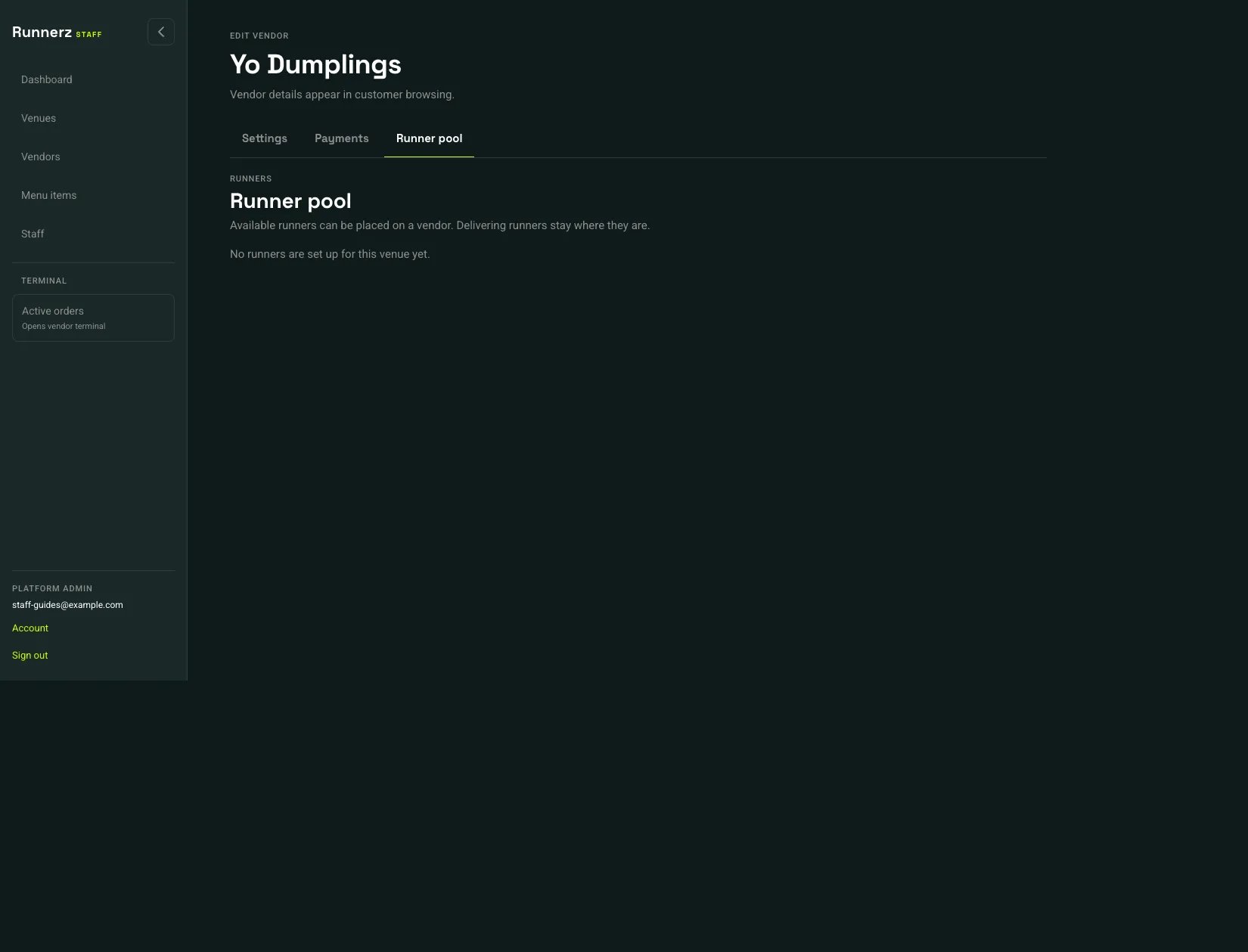 Runner pool: 1
- Runner pool
On the ticket, Runner collection appears for a Run to Me order. When the run is Ready to assign a runner:
- Open Assign runner.
- Pick a runner who is available and already on this vendor.
- Choose Assign runner.
Vendor operators can see the run. Assigning it requires a vendor manager, venue manager, or platform admin. If the list says No available runners are assigned to this vendor, go back to Runner pool or the venue’s Venue runners and assign someone whose duty is Available.
The runner then collects the order and completes delivery in the runner app with the customer’s code. A bar does not use Runner pool. Run to Me at a bar goes to the customer’s table, and the fee can be $0.