
Pause orders
Pausing is a terminal control, not a catalog edit.
- Open the terminal.
- Choose Settings.
- On the vendor, choose Pause orders.
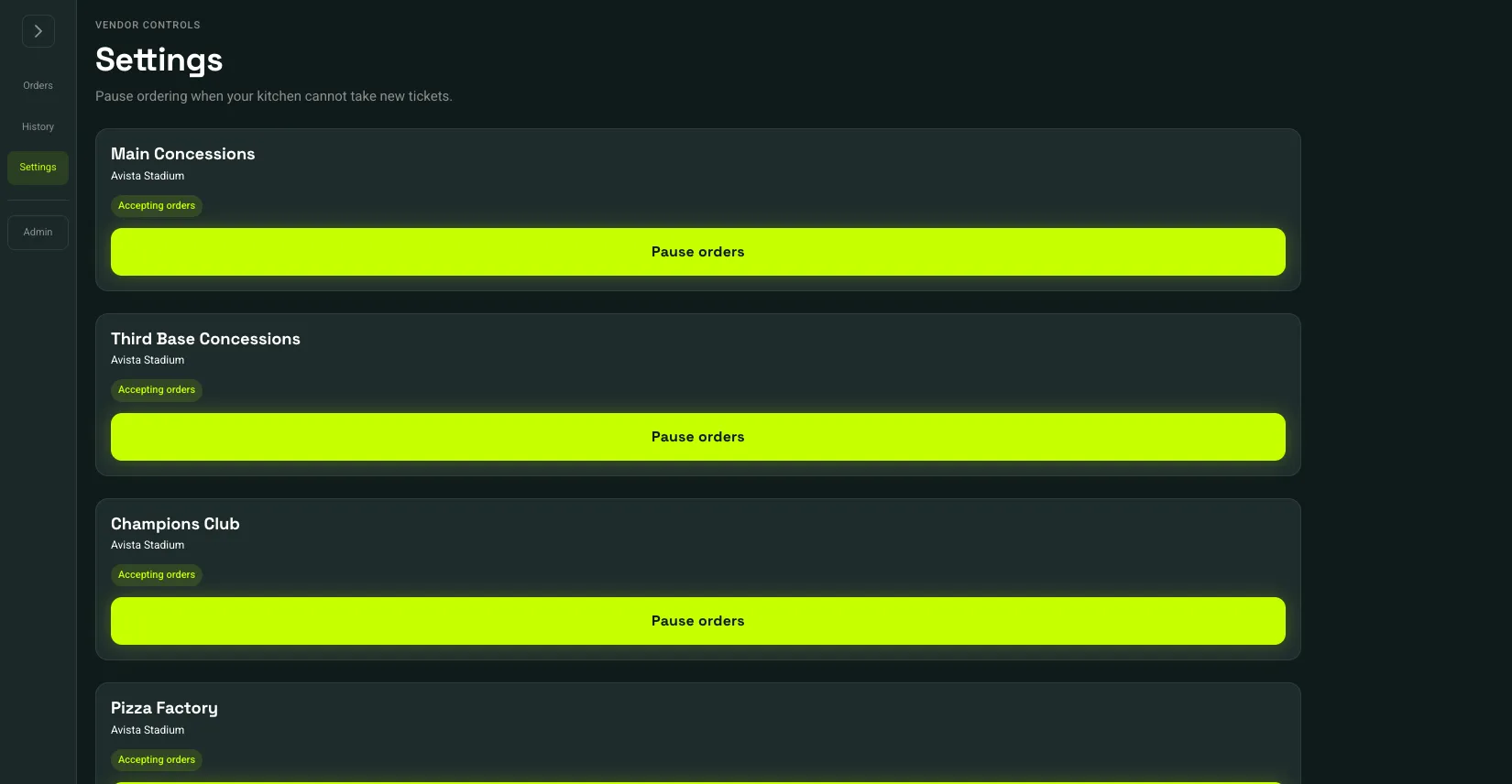 Accepting orders: 1Pause orders: 2
- Accepting orders
- Pause orders
Accepting orders means new paid tickets can arrive. After you pause, the status is Paused and the button becomes Resume orders. Customers cannot check out from a paused vendor, including a cart or checkout that was already open. They can remove those items. A payment that still goes through is refunded, and no ticket is created. An order that was already paid stays paid. Items stay on the menu. To stop one item, use Mark an item unavailable. To hide the vendor entirely, use Visible to customers on the vendors list.
Each vendor has its own switch. Pausing one stand does not pause the others at the venue.